01Case study
PDFify
Mobile app · Productivity
A Flutter-based Android app for practical PDF workflows — scan, convert, sign, compress and password-protect documents without uploading them anywhere.
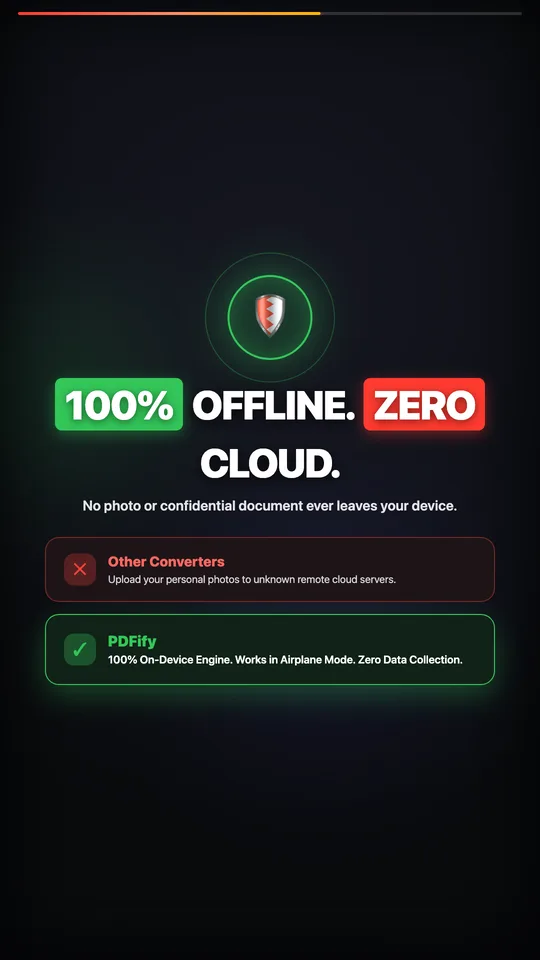
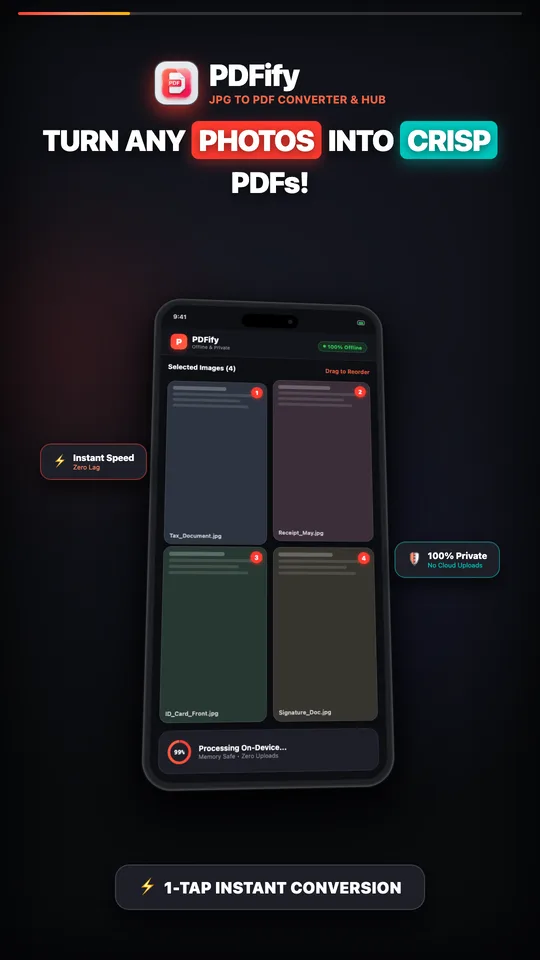
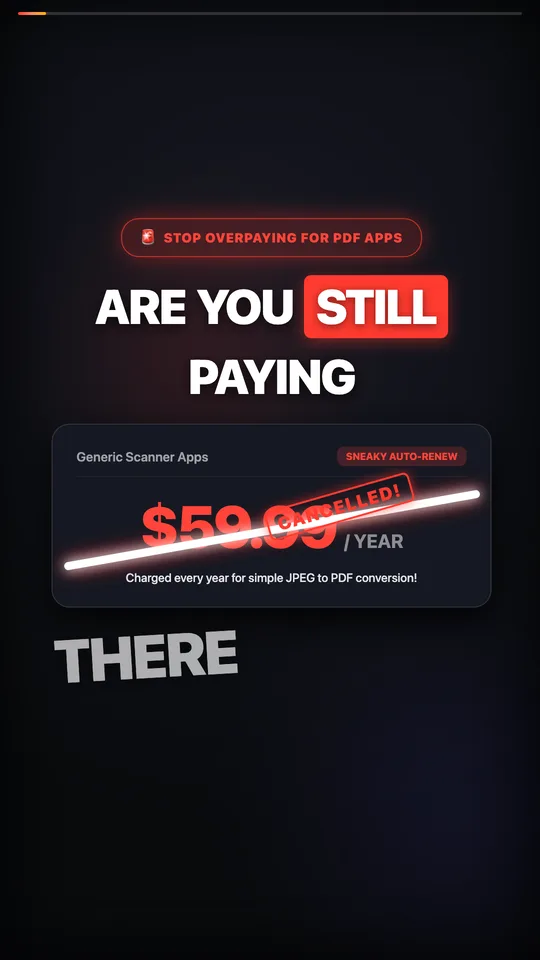
01 / PDFify
Frames from the launch video
How it’s built
From the project’s source code
01Capture
Gallery picker · ML Kit scanner
→ Arrange & edit
02Arrange & edit
Immutable page list · crop, rotate
→ Background isolate
03Background isolate
Decode → downsample → compress
→ PDF engine
04PDF engine
pdf + printing
→ AES-256, Save · share · print
05AES-256
Syncfusion, in an isolate
→ Save · share · print
06Save · share · print
share_plus · printing
→ PDF library
07PDF library
Hive history + device index
- screens routed with GoRouter
- 8
- feature modules
- 9
- PDF password encryption
- AES-256
- document uploads — everything runs on-device
- 0
PDFify turns photos and scans into clean PDFs and handles the follow-up tasks people actually need: reordering and cropping pages, adding a signature, compressing large files and locking confidential documents with a password.
The problem
Many document apps upload files to a server, stamp watermarks on the output or put basic conversion behind a subscription. For receipts, IDs and contracts, people need a tool that is fast, predictable and private.
My role
Solo developer — product scope, UI, architecture, implementation, monetization and the Google Play release, published under my developer name J-Tech Utilities. I also produced the launch video in React with Remotion.
Technical approach
- Feature-first Flutter architecture with Riverpod for state and GoRouter for navigation.
- PDF generation with the pdf and printing packages; AES-256 encryption through Syncfusion's PDF library.
- Camera scanning with Google ML Kit's document scanner for edge detection and perspective correction.
- Local history in Hive, plus a scanner that indexes PDFs already on the device so the app works as an everyday PDF hub.
Engineering decisions
Memory-safe conversion
Images are decoded, downsampled to a capped size, compressed and embedded one at a time in a background isolate, so large batches of high-resolution photos don't freeze the UI or exhaust memory on low-end phones.
Page order you can trust
The page list is immutable and only ever replaced through Riverpod state updates — removing a whole class of reordering bugs that are common in this category.
Respectful monetization
Unlimited conversions without watermarks on the free tier and a one-time Pro unlock instead of a subscription. Interstitial ads never appear on a first conversion and are frequency-capped after that.
Status
Published on Google Play for Android and actively maintained; the latest update shipped in September 2026.
Gallery
ArtworkPDFify promo frame: turn any photos into crisp PDFs ArtworkPDFify promo frame listing drag-and-drop reorder, AES-256 encryption and the PDF hub ArtworkPDFify promo frame: 100% offline, zero cloud 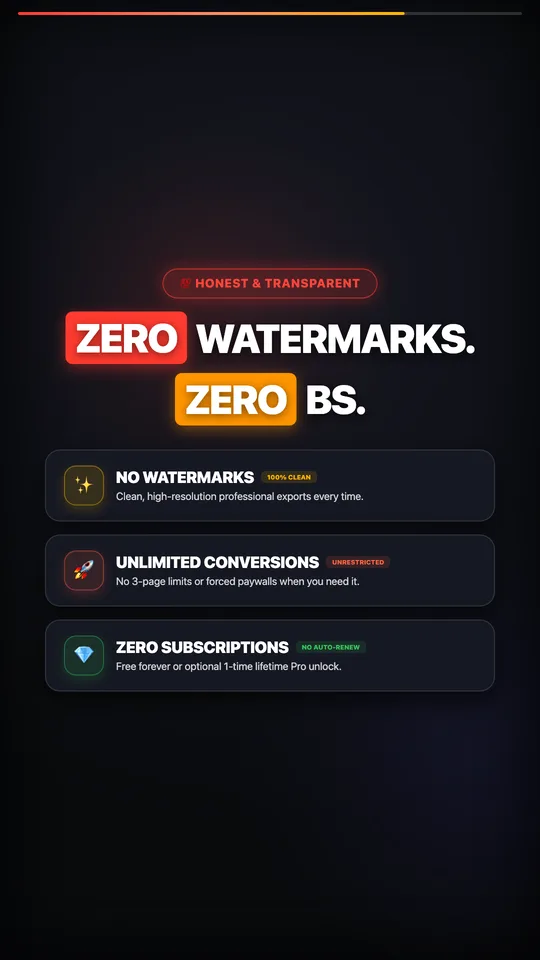
ArtworkPDFify promo frame: zero watermarks, unlimited conversions, no subscriptions